Desktop

Skol Horizon
A purple-to-midnight gradient with a bold gold horizon stripe and an abstract horn motif.
Download PNG GB
•
GB
•
 MIN
Sun 3:25 PM CDT
MIN
Sun 3:25 PM CDT
 NE 10
•
NE 10
•
 SEA 13
Final
SEA 13
Final
 SF 27
•
SF 27
•
 LAR 7
Final
LAR 7
Final
 TB
•
TB
•
 CIN
Sun 12:00 PM CDT
CIN
Sun 12:00 PM CDT
 NO
•
NO
•
 DET
Sun 12:00 PM CDT
DET
Sun 12:00 PM CDT
No games to show right now. See the schedule.

Download original purple-and-gold wallpapers for your phone, desktop and tablet. Every design on this page is a graphic built for this site, not photography we do not have the rights to use.
A purple-to-midnight gradient with a bold gold horizon stripe and an abstract horn motif.
Download PNG
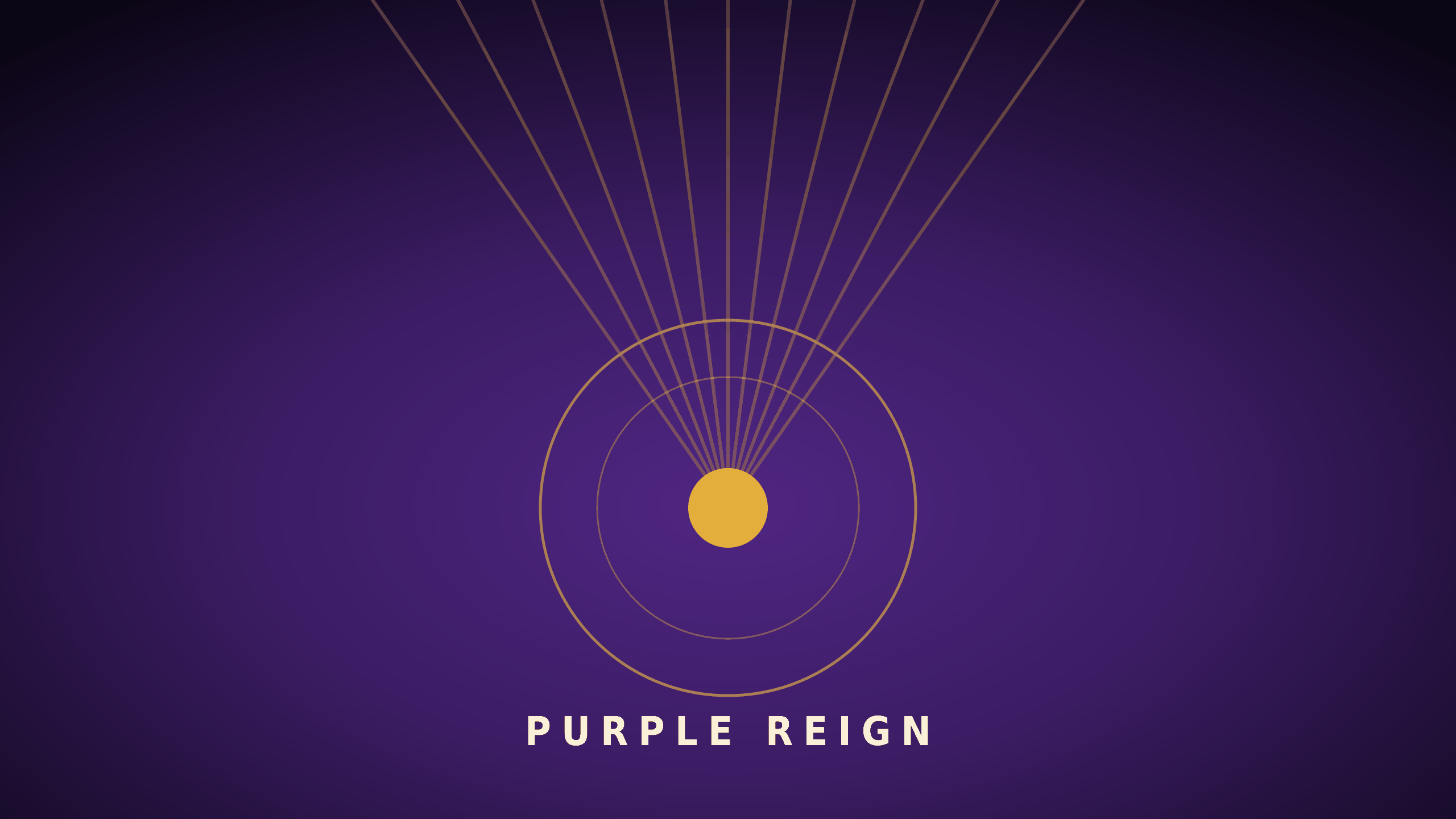
Converging gold light rays and rings on a deep radial purple background, built for wide screens.
Download PNG
A big bold gold SKOL wordmark over a subtle dot-grid texture on deep purple.
Download PNG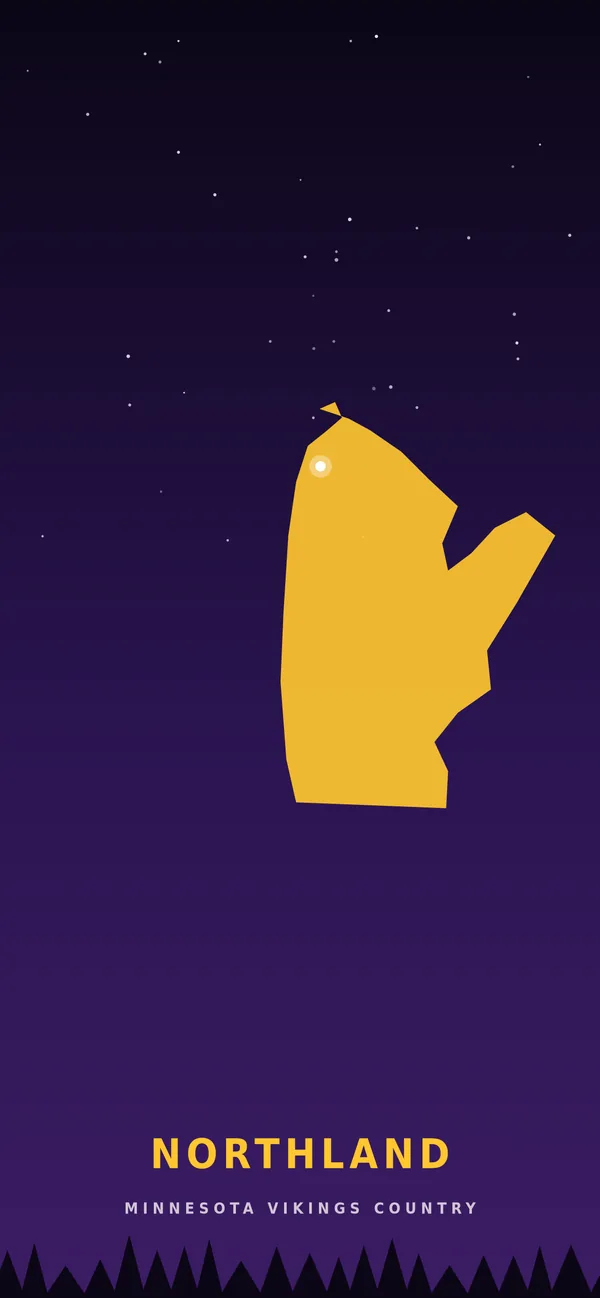
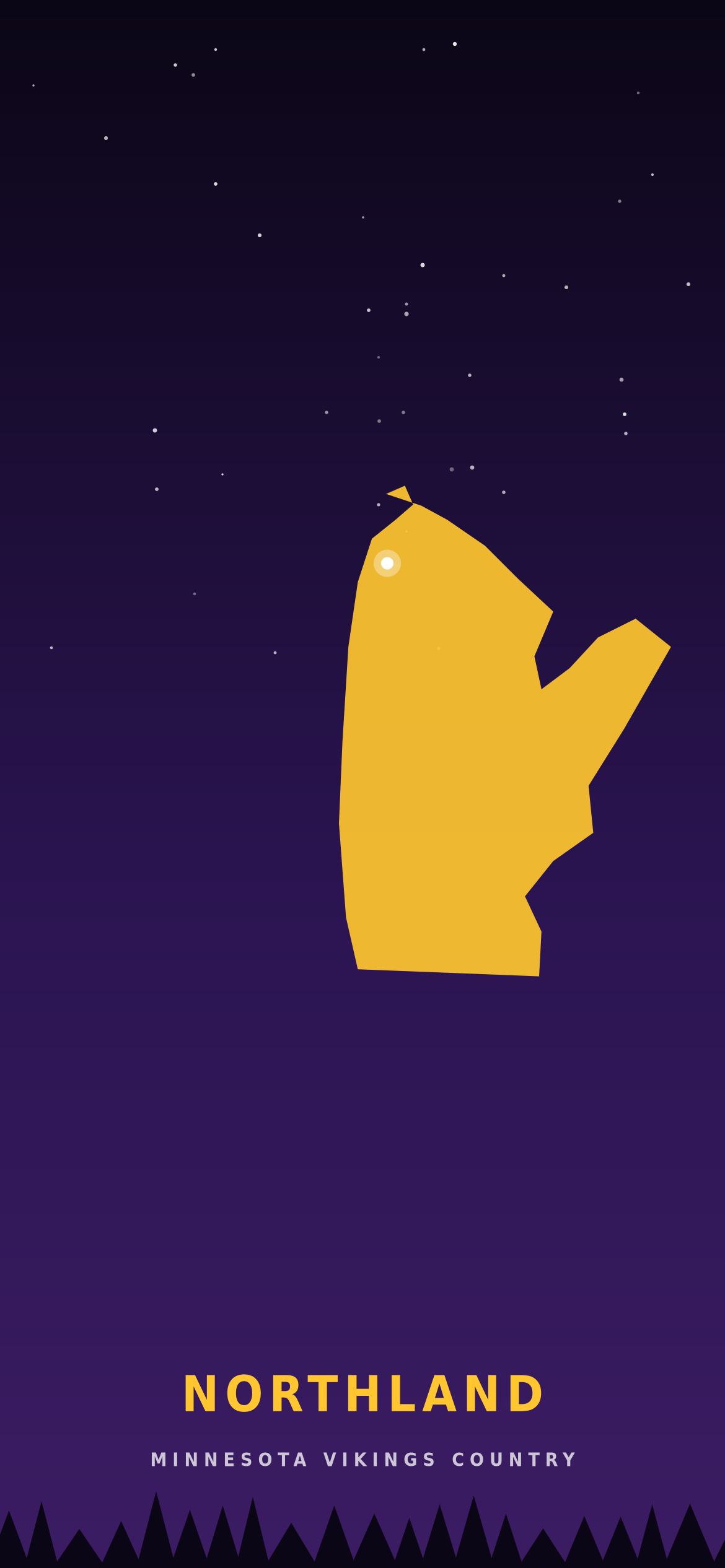
A gold Minnesota state silhouette under a starry night sky, with a treeline along the base.
Download PNG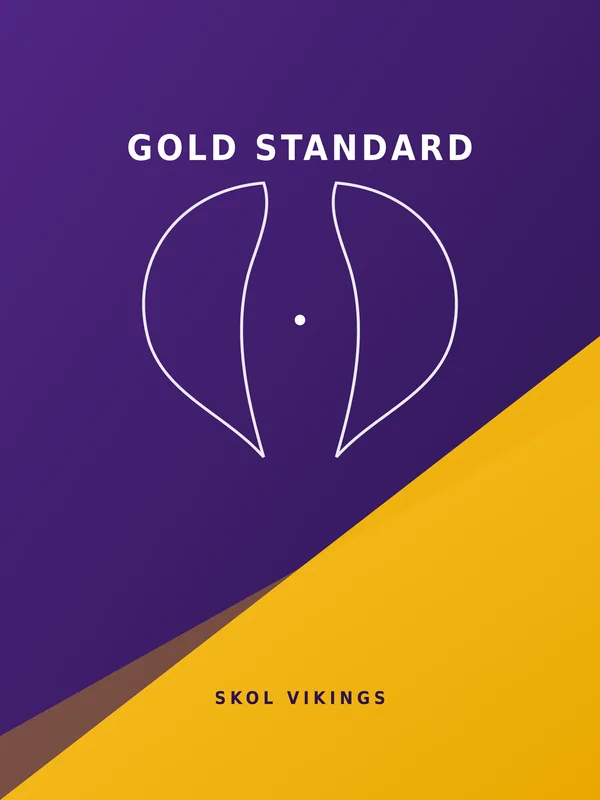
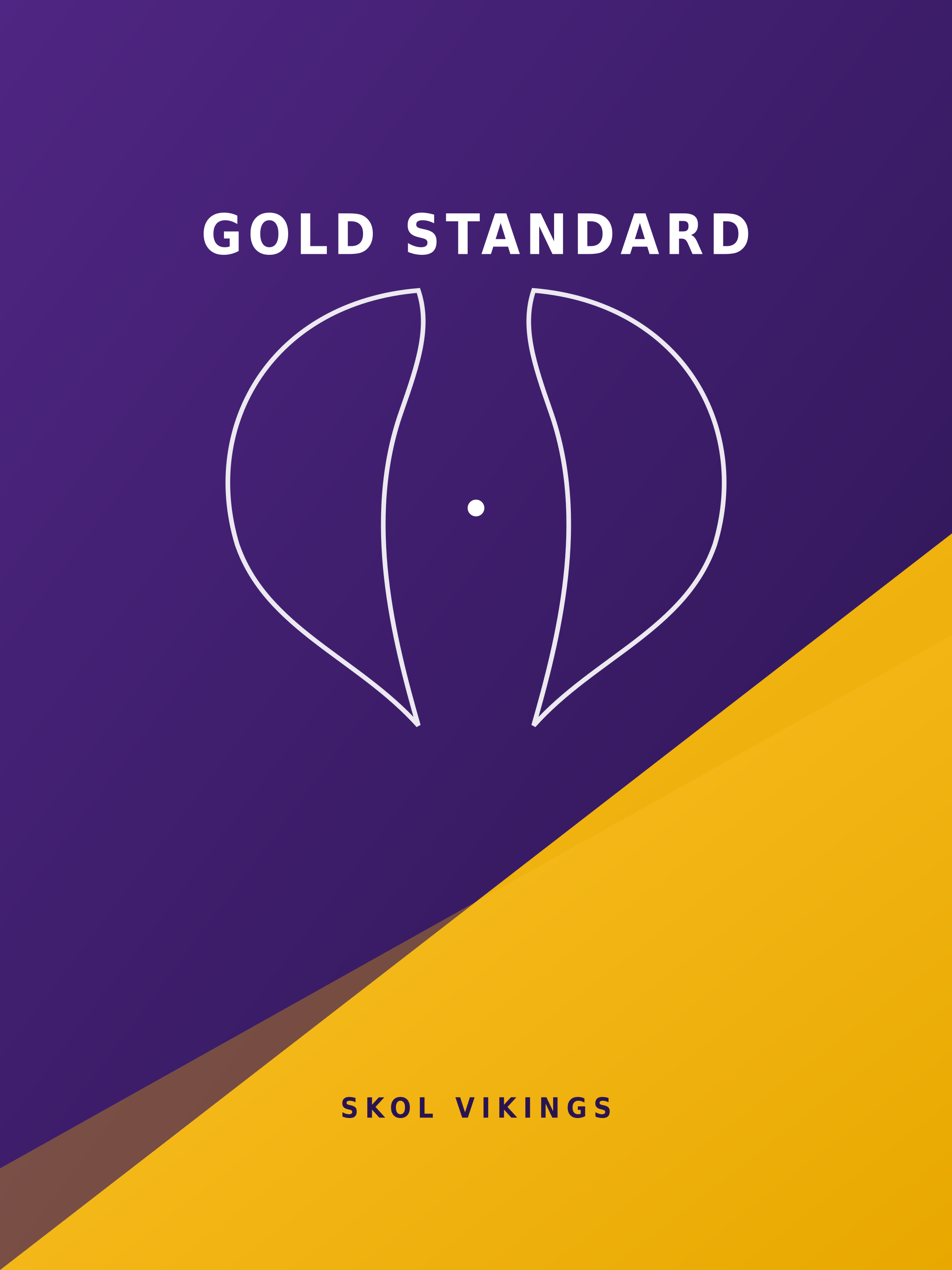
A diagonal purple-and-gold colour block with a symmetrical horn-shape motif, sized for tablets.
Download PNG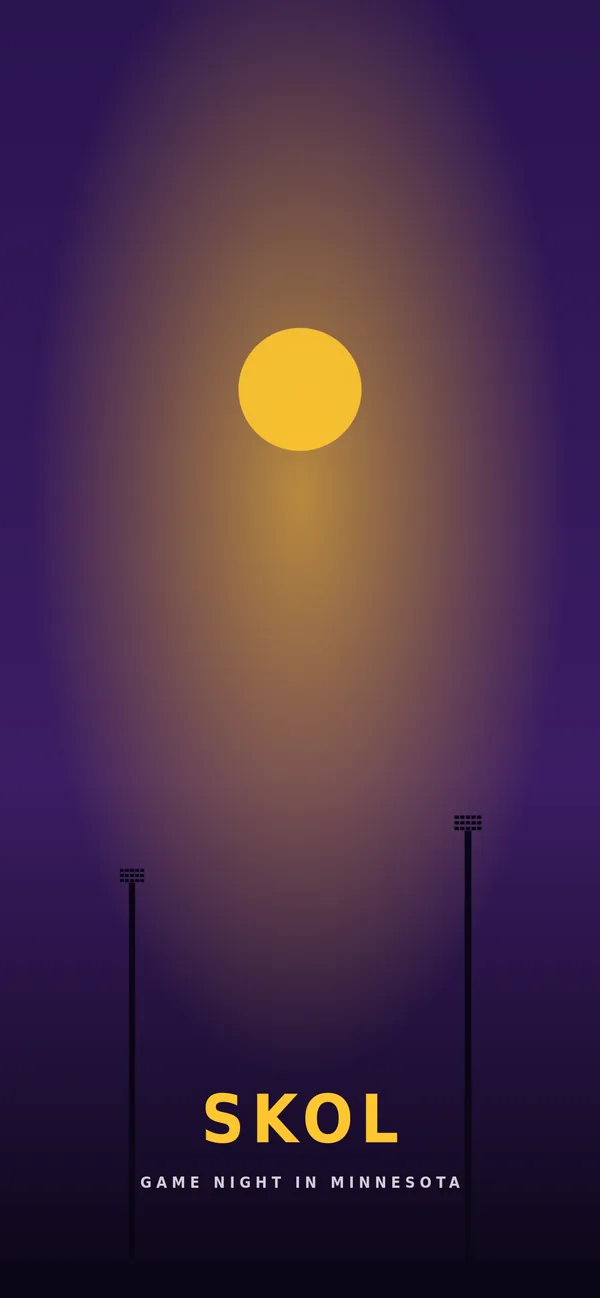
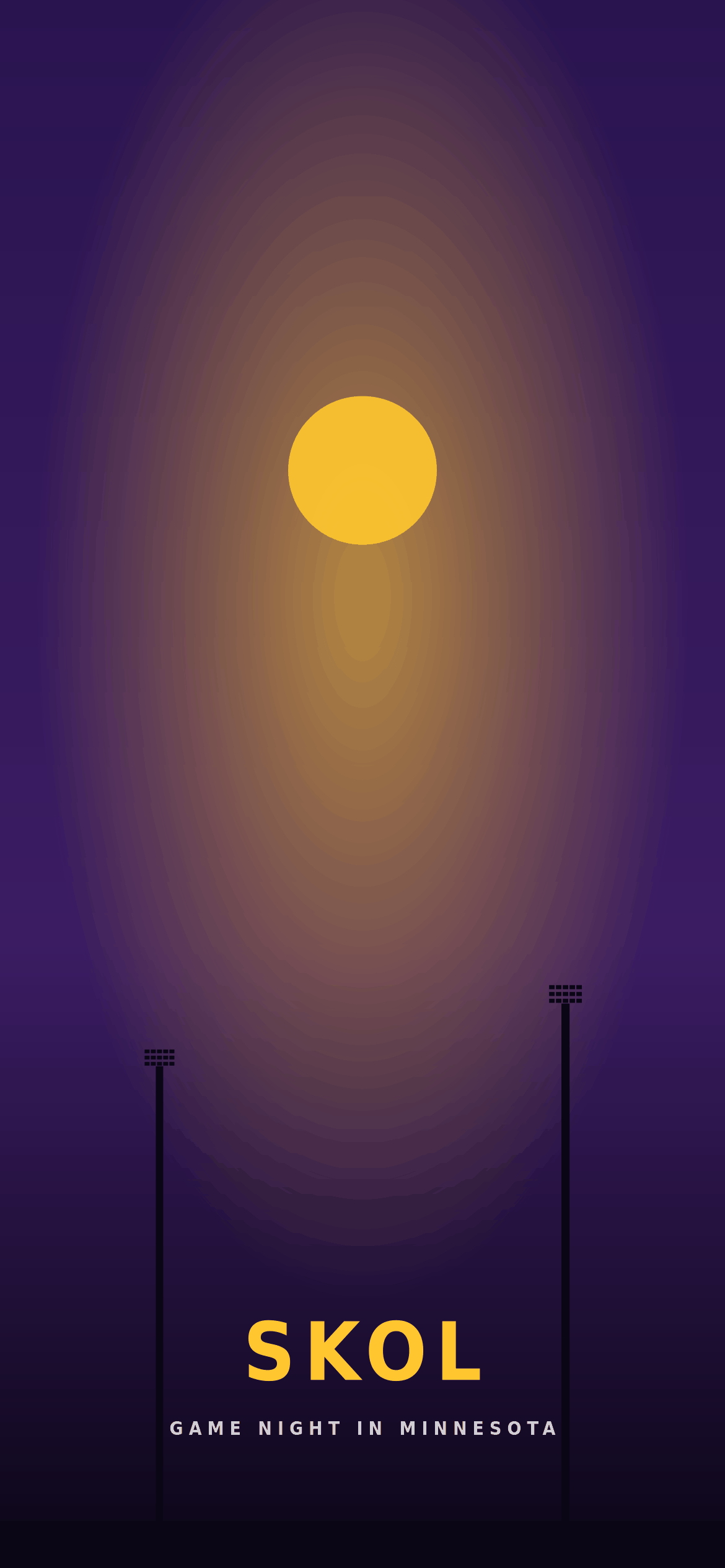
Stylised stadium light towers and a glowing gold light under a deep purple night gradient.
Download PNGUse the device filter above to find a design sized for your phone, desktop or tablet.
The full-resolution PNG downloads to your device. No sign-up or app required. iPhone users, see the steps below.
Open your device's display or background settings and choose the image you just saved.
Menu names change a little between software versions, so each card links to the maker’s own help page if your screen looks different.
Tap Download PNG. Safari may ask to download the file; it then lands in the Files app under Downloads. Open it, tap the Share button and choose Save Image to copy it into Photos. From Photos, tap Share again and choose Use as Wallpaper, then follow the prompts to position it and add it.
Download the phone wallpaper, then touch and hold an empty space on your Home screen and open the wallpaper settings. On Google Pixel phones this is Wallpaper & style, where you can pick your own photo, choose whether it goes on the Lock screen, Home screen or both, and apply it. Other brands use similar wording.
Download a desktop wallpaper, then go to Settings > Personalization > Background (or right-click the desktop and choose Personalize). Under Personalize your background choose Picture, select Browse and pick the PNG. Set the fit to Fill so the design covers the whole screen.
Once the PNG is in your Downloads folder, Control-click it in Finder and choose Set Desktop Picture. Alternatively, open System Settings > Wallpaper, click Add Photo, then Choose File, and adjust its size and position if your display is not 16:9.
Every download is a full-resolution PNG. Your device scales it to fit, so a size that does not exactly match your screen will still work; it may just crop a little from the edges.
| Wallpaper | Device | Pixels | Shape | File size |
|---|---|---|---|---|
| Skol Horizon | Desktop | 2560 × 1440 | 16:9 landscape | 59 KB |
| Purple Reign | Desktop | 2560 × 1440 | 16:9 landscape | 149 KB |
| Skol Wordmark | Desktop | 2560 × 1440 | 16:9 landscape | 77 KB |
| Northland | Phone | 1170 × 2532 | Tall portrait | 74 KB |
| Skol Nights | Phone | 1170 × 2532 | Tall portrait | 79 KB |
| Gold Standard | Tablet | 2048 × 2732 | 3:4 portrait | 101 KB |
These wallpapers are original graphics made for Minnesota Vikings IO, an independent fan site with no connection to the Minnesota Vikings or the NFL. They use no official team logos and no photography.
Team names belong to their owners. See our terms of use for the full picture, or contact us with any questions.
Each preview on this page has a text description covering the design and any words that appear in it, so screen-reader users know what they are downloading. The words in the artwork itself are part of the picture, not selectable text:
All six are still images with no animation. If app icons or labels are hard to read over a design, try one with more plain space, such as Skol Wordmark.